

Connections
Connections is the hub for the data feeding your CRM. It pulls leads from the sources you already use into one place.
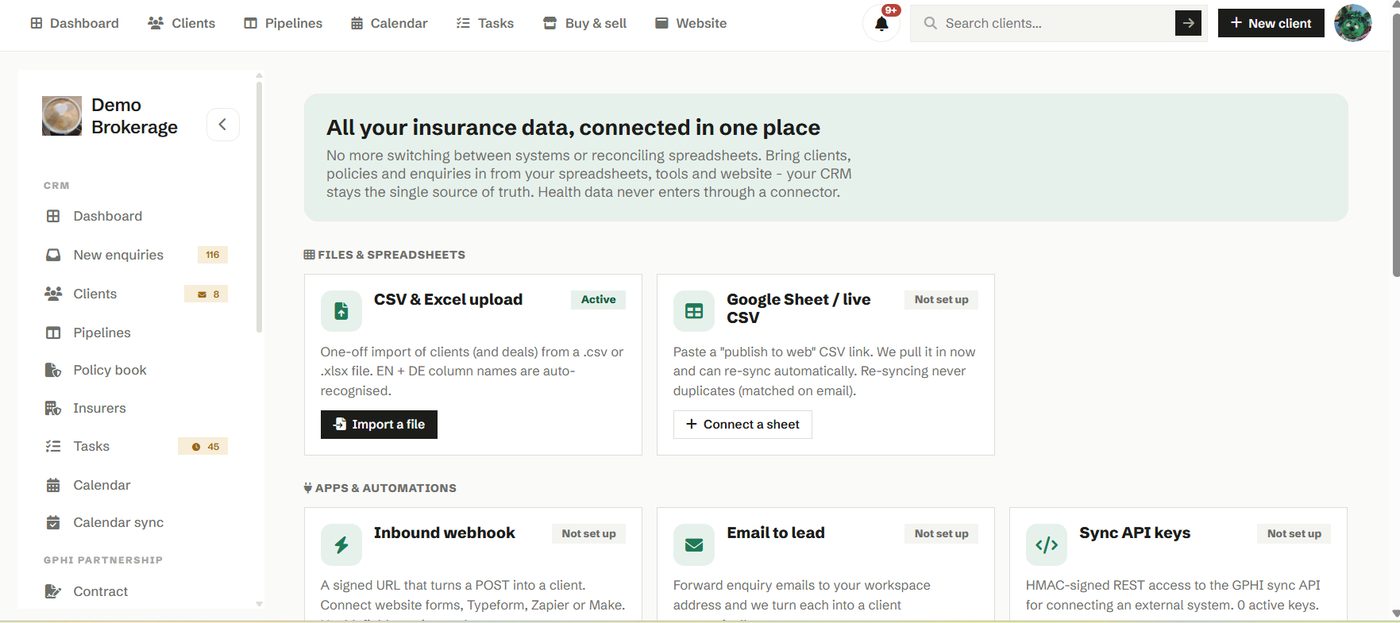
Link a spreadsheet, a web form, a webhook or an email feed, and new contacts arrive in your CRM without manual entry. It is how you stop retyping the same information from one system into another.
How to use it
- Open Connections and add the source you want to bring in.
- Follow the steps to link it, then let new records flow through.
- Review what has come in from your client list.
Try it in your own workspace
Create a free account and use Connections with your own clients.
Get started free See it in the manual