

Profile
Your profile holds who you are and who your brokerage is. Those details show up in your email footer, your public partner profile and, where relevant, the Impressum.
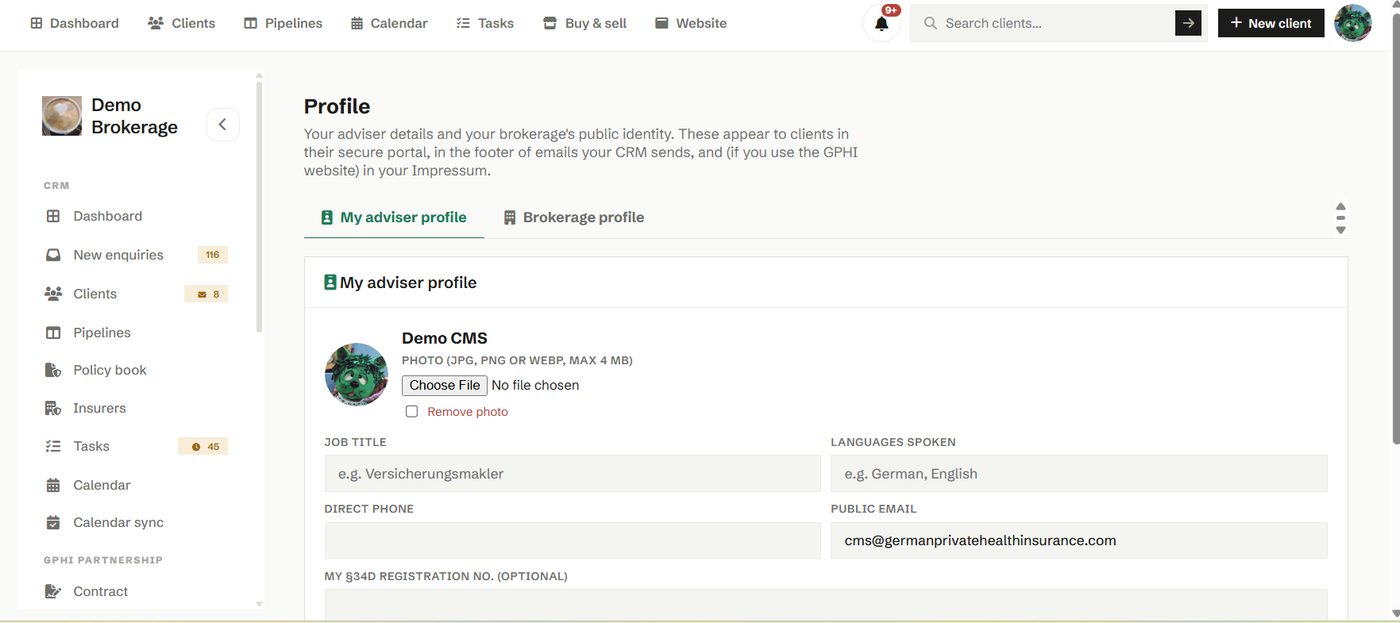
Add your photo, your bio, your brokerage logo, your website and your registration details. Set it once and it flows through the parts of the tool that speak for you, so you look consistent everywhere a client meets you.
How to use it
- Fill in your adviser details and upload a photo.
- Add your brokerage logo, address and registration.
- Check how it reads on your public profile.
Try it in your own workspace
Create a free account and use Profile with your own clients.
Get started free See it in the manual