

Calendar sync
Calendar sync links your Google or Microsoft calendar to Phi CRM so your availability is the same in both places.
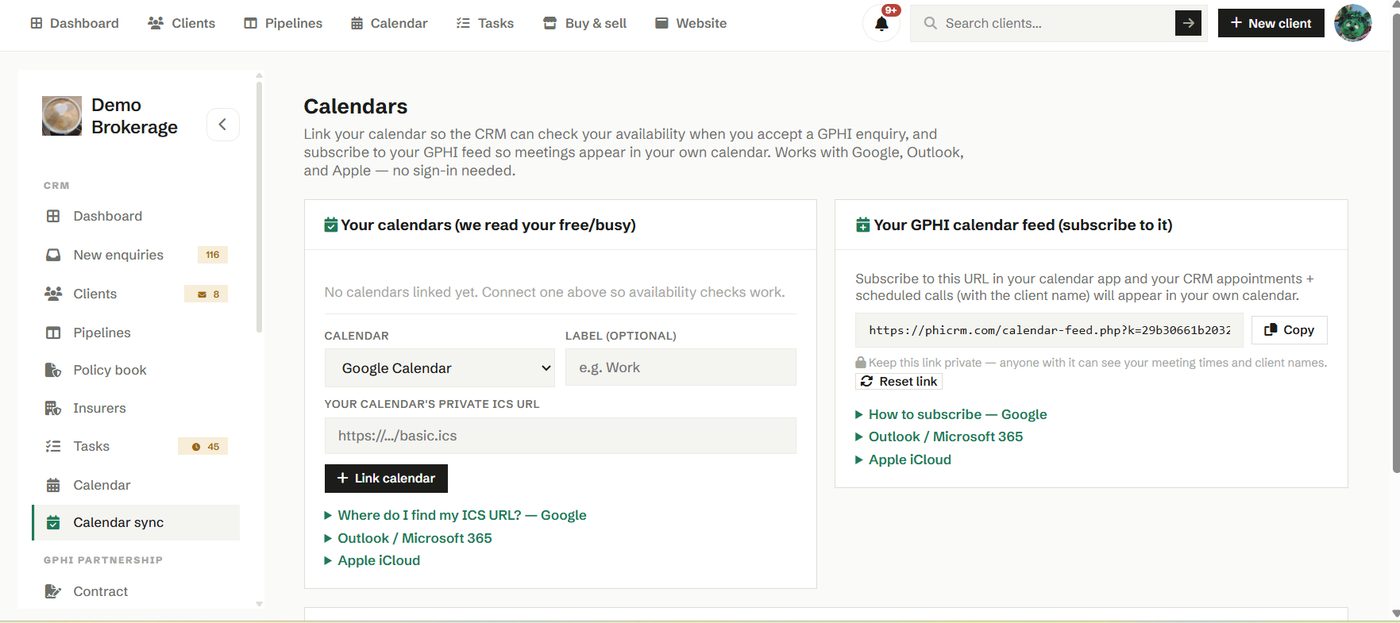
Connect the calendar you already live in and your Phi CRM appointments and your outside commitments stay in step. That means you can offer times to clients without the risk of a double booking.
How to use it
- Open Calendar sync and connect your Google or Microsoft account.
- Approve access, and your events flow between the two.
- Disconnect at any time if you change how you work.
Try it in your own workspace
Create a free account and use Calendar sync with your own clients.
Get started free See it in the manual