

Calendar
The calendar shows your appointments and deadlines in month, week or day view, right next to the clients they belong to.
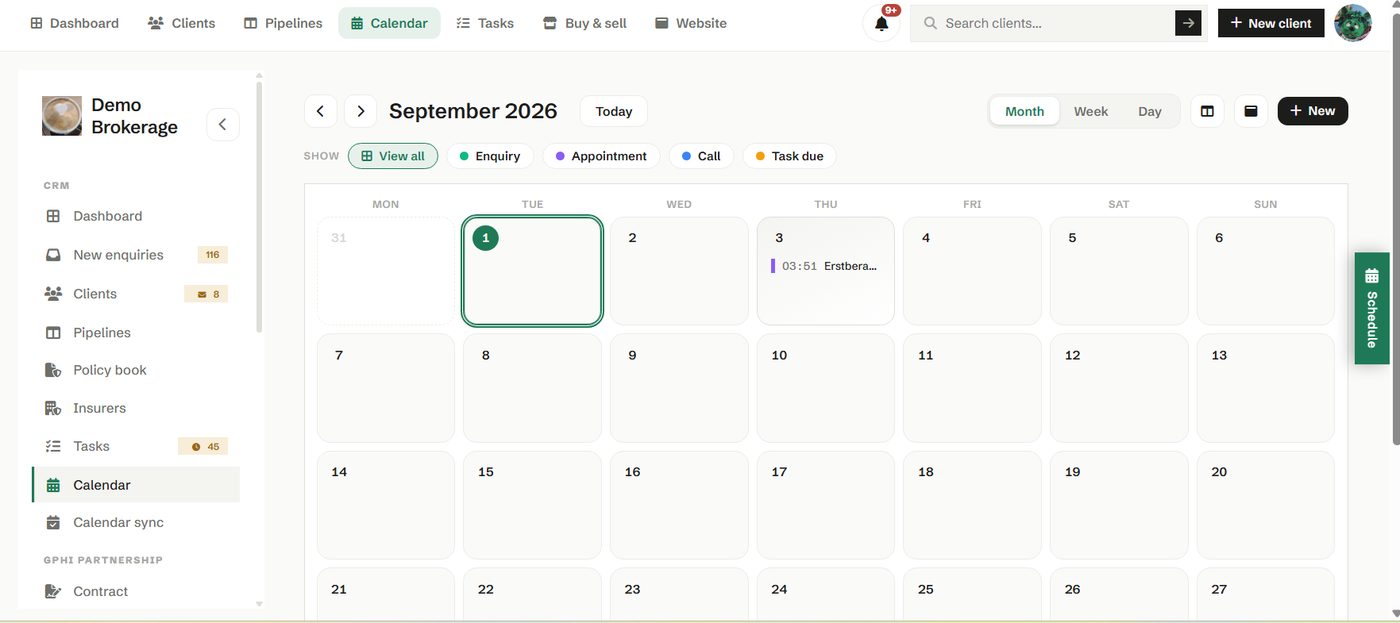
Book meetings, block time and see what is coming without leaving the CRM. Because it lives with your client records, an appointment is never separated from the case it relates to.
How to use it
- Switch between month, week and day to plan at the right level.
- Add a meeting and tie it to a client where it helps.
- Connect an outside calendar under Calendar sync so nothing double books.
Try it in your own workspace
Create a free account and use Calendar with your own clients.
Get started free See it in the manual