

Tasks
Tasks keep the follow ups that matter from slipping. Each task can be tied to a client, so the work always has context.
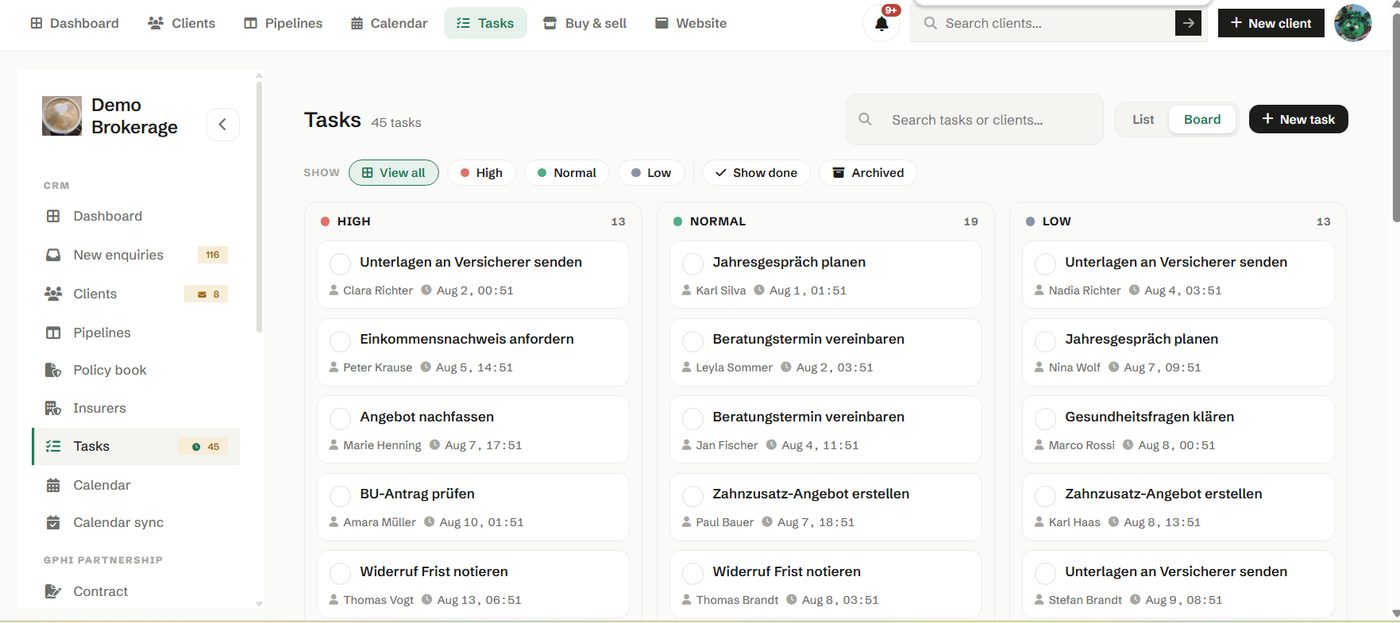
View your tasks as a simple list or as a board, whichever suits the way you work. Due and overdue tasks show as a badge in the sidebar and on the dashboard, so the things that need doing stay in front of you.
How to use it
- Add a task with a due date and, where it helps, a client.
- Work from the list to clear what is due, or the board to see the shape of your week.
- Let the overdue badge be your prompt, not your memory.
Try it in your own workspace
Create a free account and use Tasks with your own clients.
Get started free See it in the manual