

Client portal
The client portal gives each client a private, secure page to reach you and send documents. It keeps sensitive paperwork out of ordinary email.
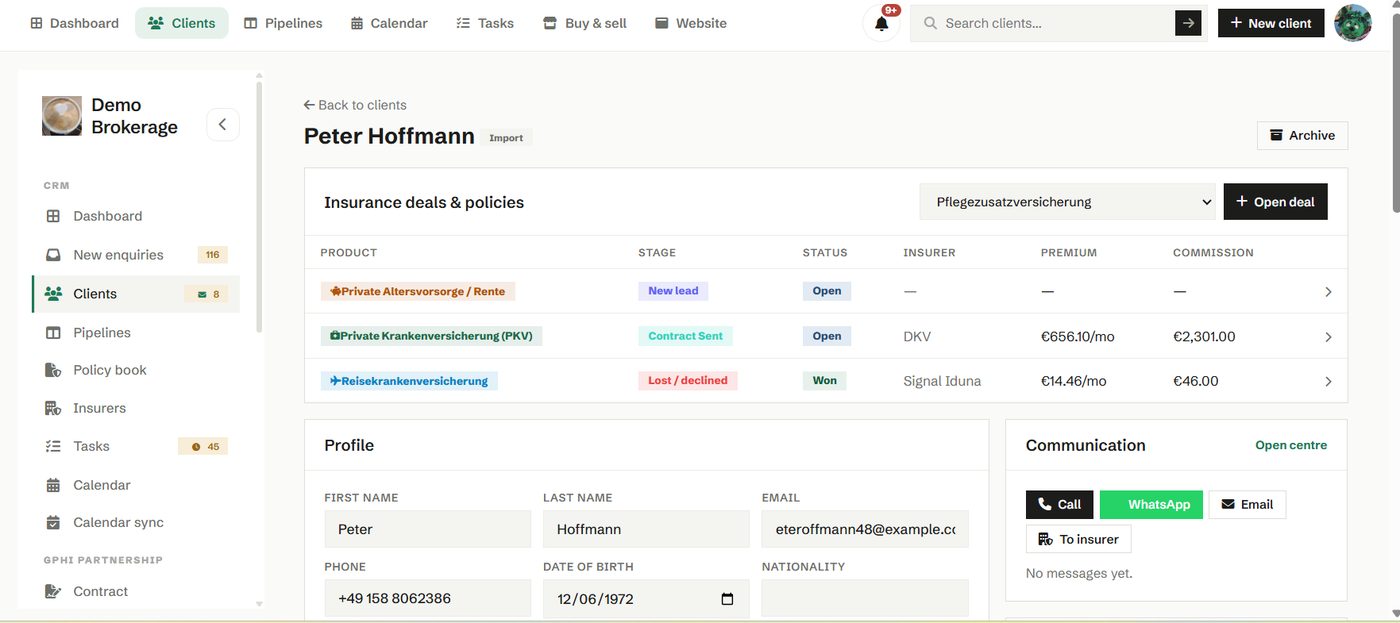
You generate a unique link for a client and share it however you like. They open it, write to you and upload files, with no password to remember. Everything they send lands back on their timeline in your CRM, so the conversation and the documents stay together.
How to use it
- Open a client and generate their portal link.
- Send it early, before you need a document, so they already have it.
- Reply from the same thread, and rotate the link any time you need to.
Insurance work involves personal and health information. The portal keeps those exchanges in one controlled place, which protects the client and gives you a clear record of what was shared and when.
Try it in your own workspace
Create a free account and use Client portal with your own clients.
Get started free See it in the manual