

Client CRM
The client record is the heart of the CRM. One place holds their details, the policies they hold and every interaction you have had.
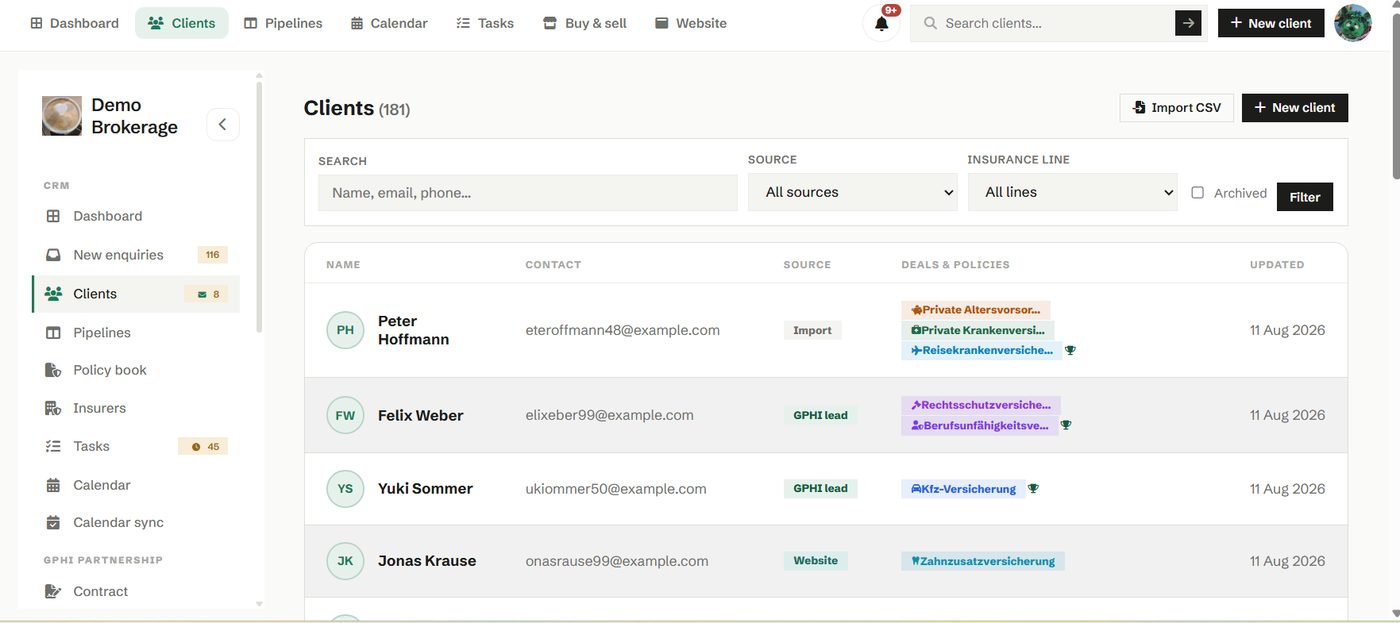
Open a client and you see a timeline of calls, emails, notes and documents in the order they happened. Anyone on your team can read it and know exactly where things stand, without asking around. Contact details, deals and policies sit alongside it.
How to use it
- Add a client with the New client button, or import your book from a spreadsheet.
- Log a note after every call so the history stays complete.
- Use the search box in the header to find anyone in seconds.
- Send a client their portal link to let them message you and share documents.
Try it in your own workspace
Create a free account and use Client CRM with your own clients.
Get started free See it in the manual